Make a Cue Sheet for a Small Celebration’s Audio
Build a short audio cue sheet with exact versions, elapsed times, handover signals and a fallback. Check a worked four-and-a-half-minute celebration sequence.
Entertainment optionsMusicMake a Cue Sheet for a Small Celebration’s Audio
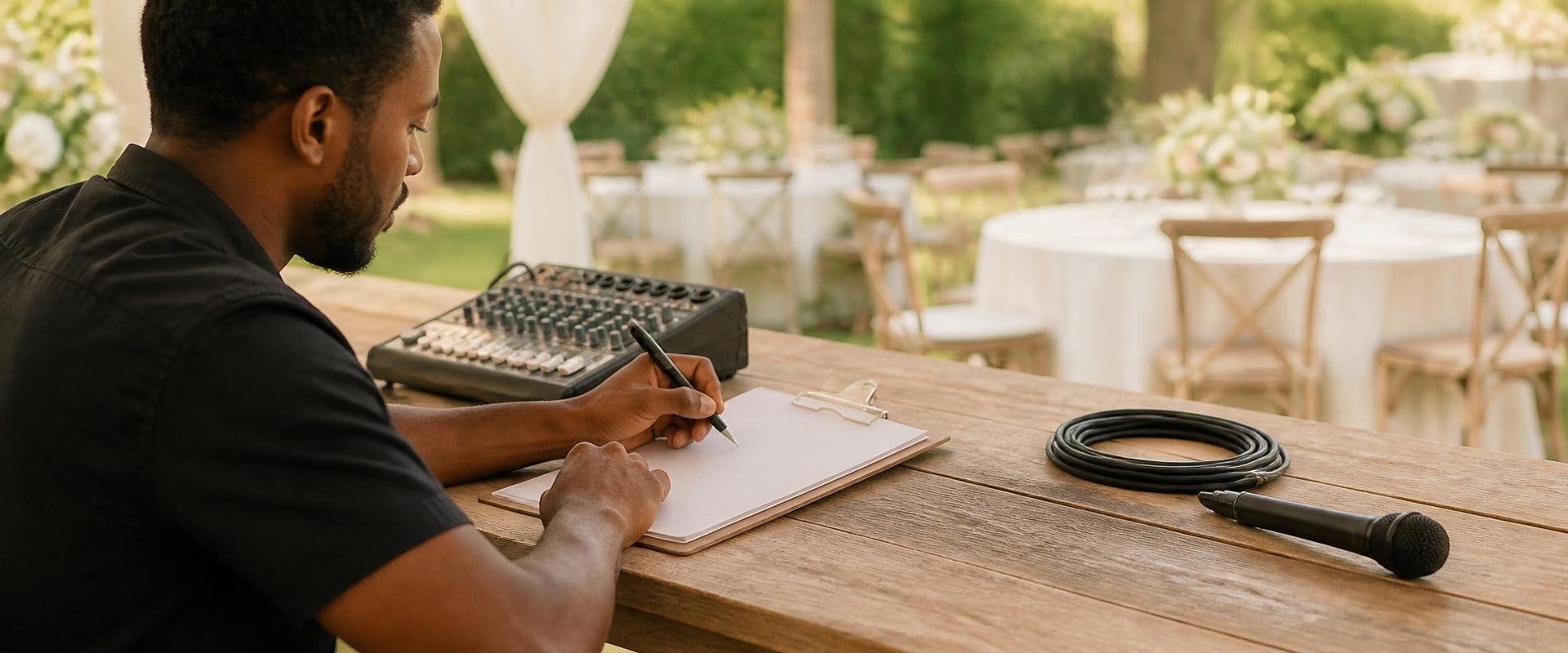
At a small celebration, the awkward moment is often the handover: someone is ready to speak while a song is still playing, or the person holding the phone does not know which track comes next. A short cue sheet gives those moments an order without turning the gathering into a production.
Plan one brief section of the event, such as a welcome, a personal song, and a few spoken memories. Use the recordings you have actually selected and a clock or player that shows their duration. A list of song titles alone will not tell someone when to press play or stop.
Name one person to run the sequence
Choose a willing person to handle playback for this section. Give them the sheet and let them try it before the gathering. If several people will speak, agree who signals that each person is finished.
Use clear cues such as “start after Jo says 'this is for you'” or “wait for the speaker to sit down.” Avoid cues that depend on guessing someone's emotions. Do not require the recipient to react, speak, or pose for a recording.
A quiet pause is a valid part of the plan. Leave enough room for people to settle rather than starting a track while chairs are moving or another conversation is still finishing.
Identify the exact audio
Write the selected file or track title and version beside each cue. If two recordings have similar names, add a distinguishing label. Check the actual duration instead of estimating from a different version.
A personal song can be one item in the sequence. MakeSongs offers custom songs based on the story and occasion you provide. Publisher disclosure: this website and MakeSongs share an owner. Whatever recording you choose, confirm its available playback method and the terms for your intended use before planning around it.
Decide whether you will play the whole recording or a permitted excerpt. If an excerpt is appropriate, record both its start and end positions. Do not assume the person operating the player will know where you want it to end.
Calculate the section, including the gaps
Add the duration of the introduction, each recording, each planned spoken contribution, and the pauses between them. Keep a little unallocated time for a slower handover. The sum is a planning estimate, not a demand that everyone speak to the second.
Here is an invented sequence for six adult friends celebrating a friend's new home. The people, recording, and timings are fictional:
- 00:00–00:20: Jo gives a twenty-second welcome.
- 00:20–02:35: Play the chosen personal song in full, lasting two minutes fifteen seconds.
- 02:35–02:45: Pause for ten seconds while the next speaker gets ready.
- 02:45–04:15: Sam shares a memory, with about ninety seconds allocated.
- 04:15–04:30: Jo thanks everyone and ends the section.
The planned content lasts four minutes thirty seconds: 20 + 135 + 10 + 90 + 15 = 270 seconds. Reserving a five-minute slot leaves thirty seconds of flexibility. A second three-minute track would not fit that slot without changing the plan.
These are elapsed times from the start of the section, not times of day. Mark that distinction on the sheet. If dinner runs late, the operator can still follow the same sequence.
Write the actions beside the times
For the fictional song cue, a usable instruction would read: “After Jo's welcome, play Home Song, selected version 2, from the beginning. Duration 2:15. At the end, stop playback and wait for Sam. Do not start another track.”
Keep device-specific steps in a separate rehearsal note if needed. The cue sheet should be readable at a glance. Use one action per line and leave space for a last-minute correction.
Make the fallback simple. If the audio does not play, Jo can move directly to Sam's memory. Avoid promising to repair equipment in front of the guests or restarting the whole sequence repeatedly.
Try the actual setup once
Rehearse with the intended player and speaker at the place where they will be used, when practical. Check that the selected audio opens, is audible at a comfortable level, and ends as expected. Verify whether playback depends on an account or connection rather than assuming it works offline.
Review the queue for anything that might follow the selected track. Use the controls your app provides to prevent an unwanted next item, then test the result. These checks concern your setup; they do not establish that every app behaves the same way.
Keep the gathering more important than the schedule
Give the operator the final sheet, identify any superseded version, and leave it alone unless something material changes. If a speaker needs longer, use the available flexibility or shorten an optional later item.
End the planned section clearly, then let the gathering continue. The cue sheet has done its job when nobody needs to guess the next action and the recipient is free to enjoy the occasion in their own way.

Leanne Persten
Leanne Persten is a lifestyle writer and productivity coach who helps busy professionals reclaim their free time. With a background in organizational psychology, she writes about time management, hobby exploration, and building a fulfilling life outside of work. Leanne has been featured in several wellness publications and runs workshops on work-life balance strategies.


